General
How to Choose the Best Antivirus Software
Simplify your search for an antivirus software with this guide.
read more
Find the location nearest you
Published on: May 1st, 2018
The best defense for potential security threats is to have rock-solid security practices in place. Whether you’re a savvy tech user who works with gadgets daily or one who prefers a more minimalistic lifestyle, it’s important to stay prepared against possible threats. To help assess your current tech safety measures, follow this security guide to keep your personal information safe.
Follow this security guide for a complete breakdown of threats to your devices and online activity. Then, implement the suggested steps to ensure your digital data stays safe.
Whether you’re using a desktop computer or prefer the mobility of a laptop, chances are your device comes equipped with a built-in webcam. What used to be an extreme precaution but has lately become more main-stream is taking the step to cover your webcam. While it’s unlikely hackers would target your laptop, it’s always better to play it safe when it comes to online security. In the event your webcam is compromised, hackers can view and listen in on your personal life and conversations, potentially leading to a host of problems. In addition to covering your webcam, you should also:
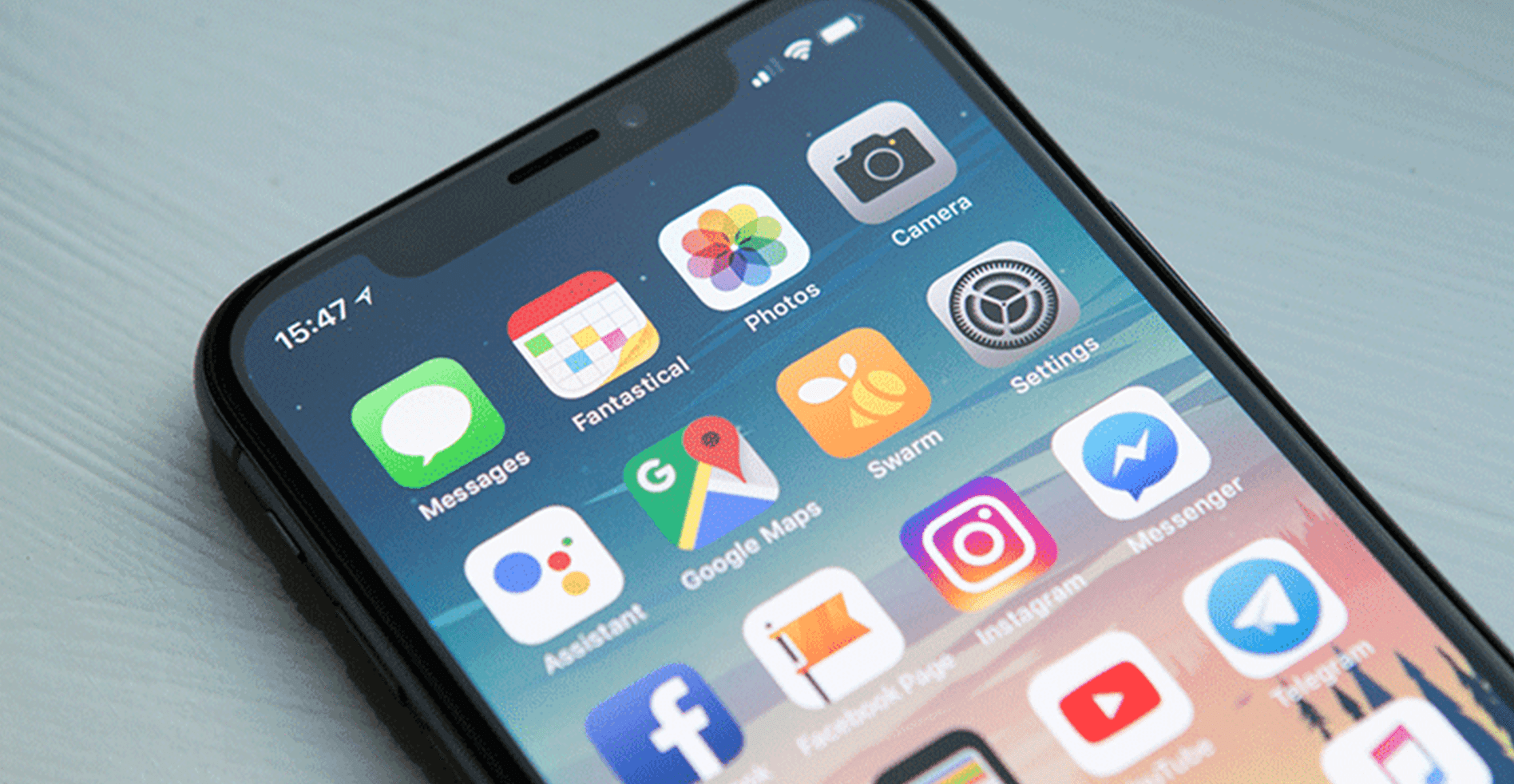
The more we rely on smartphones, the more we need to be aware of our security. If you’re one to store lots of data on your phone, you’ll need to be sure your information is as safe as possible. To secure access to your phone, create a strong PIN for your password. To boost security, you can also enable fingerprint technology or face recognition if your gadget supports the technology. Once you guard your smartphone with a strong password, be sure to regularly update software and avoid third-party app stores to avoid potential hackers or security threats.

Smart home speakers such as Amazon Echo and Google Home are taking the tech world by storm with their convenience and readiness to assist you. These devices are typically activated to begin “listening” when given certain prompts. However, controversies about the speakers’ safety began swirling when some users reported their speakers were always listening. Though these reports are often chalked up to software bugs, their true level of security is worth considering. To be sure your conversations aren’t archived, you erase your recordings and even mute the speaker when you aren’t using it. For further security, it’s best to connect your home speaker with an encrypted Wi-Fi network rather than a public hotspot.
Perhaps the most subjective to data breaches is your online activity. Recently, as many as 87 million Facebook users discovered a firm called Cambridge Analytica stored their personal information. The firm acquired the data through Facebook’s settings, which aren’t always easy to locate. To secure your information from Facebook and other social media sites, it’s best to double-check what permissions you give each page. Typically, you can find your data permission information under the “Settings” tab and view what third-party apps have access to your profile(s). From there, you can disable permission from certain apps and even request they delete your current stored data. For Facebook, follow this guide.
If you think your personal or business security precautions could use some fine-tuning, contact the experts at Computer Troubleshooters! We’ll assess your current security measures and ensure your sensitive data is safe.


Simplify your search for an antivirus software with this guide.
read more
Have you received this notorious Windows error screen? Here’s how to fix it.
read more© 2026 Computer Troubleshooters.